Case study · Mobile · AI
Cook something good with what you have, inside your budget
Budget Chef is a Flutter app that suggests recipes based on the ingredients you already have, how much you want to spend and how long you want to cook, using an AI recipe API.
Screenshots


The problem
Deciding what to cook is harder than it sounds. You have a few ingredients at home, a limit on what you want to spend and a limit on your time, and the usual answer is a search through recipes that need a trip to the store.
Our solution
- 1
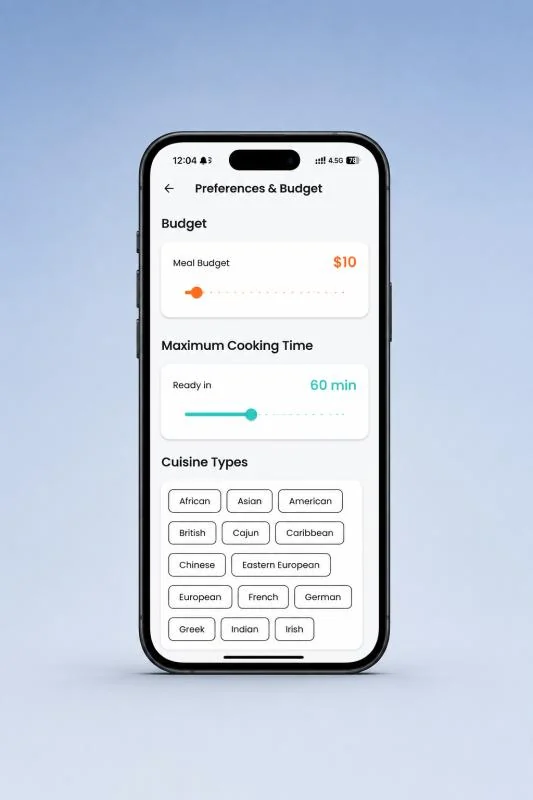
You list what you already have in a pantry, then set a meal budget, a maximum cooking time and the cuisines you like.
- 2
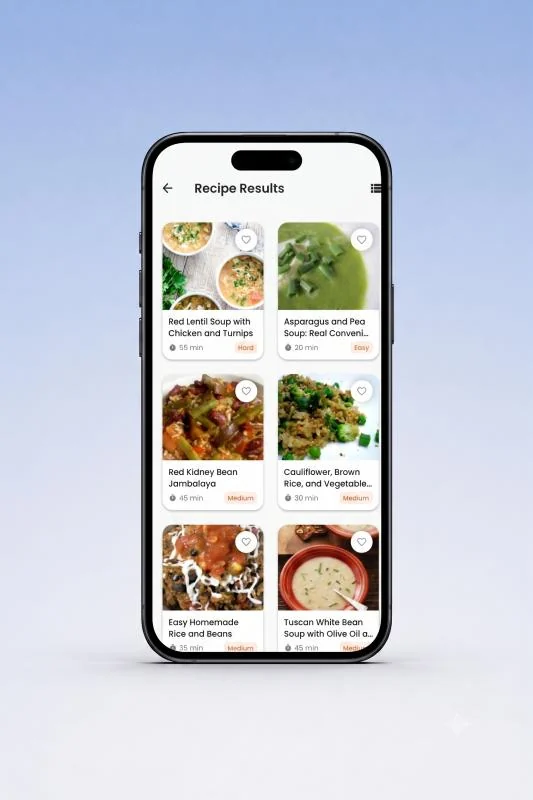
The app asks an AI recipe API for matches and shows them as a simple grid with cooking time and difficulty, so you can pick one at a glance and save favorites.
- 3
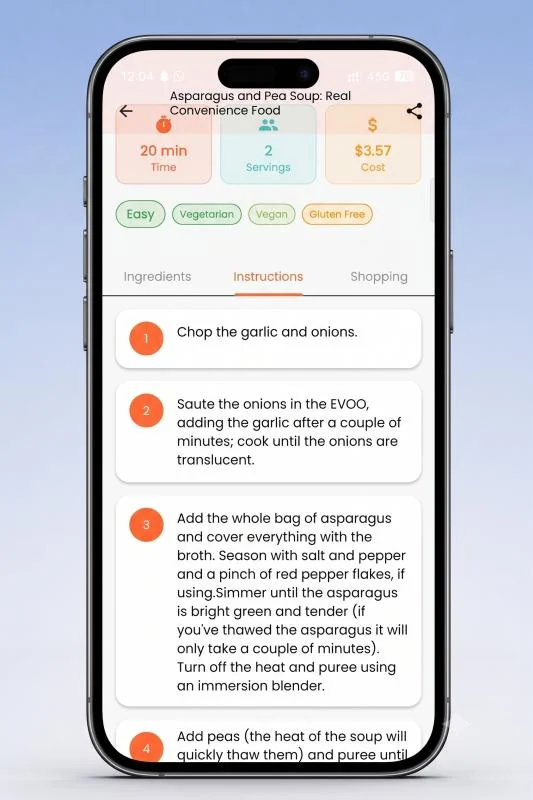
Each recipe shows its time, servings, estimated cost and dietary tags, with separate tabs for ingredients, step-by-step instructions and a shopping list.
Key features
- Pantry: add or remove the ingredients you have at home
- Preferences: meal budget, maximum cooking time and cuisine types
- Recipe results with cooking time, difficulty and a favorite button
- Recipe detail with time, servings, estimated cost and dietary tags such as vegetarian, vegan and gluten free
- Ingredient checklist, step-by-step instructions and a shopping tab
- Four main tabs: Home, Pantry, Favorites and Settings
Results
- Ways to filter recipes
- 3
- Main tabs
- 4
- A complete flow from pantry to recipe to shopping list inside one app
- Recipes are matched to your budget, time and taste, not just to a keyword
- A clean Flutter codebase that can be extended with new filters or recipe sources
Have an idea? Let's stack it up.
Tell us what you are building. You will get a clear plan and a fair quote, usually within one business day.